The Ultimate Social Media Character Limit Guide: Optimize for Every Platform
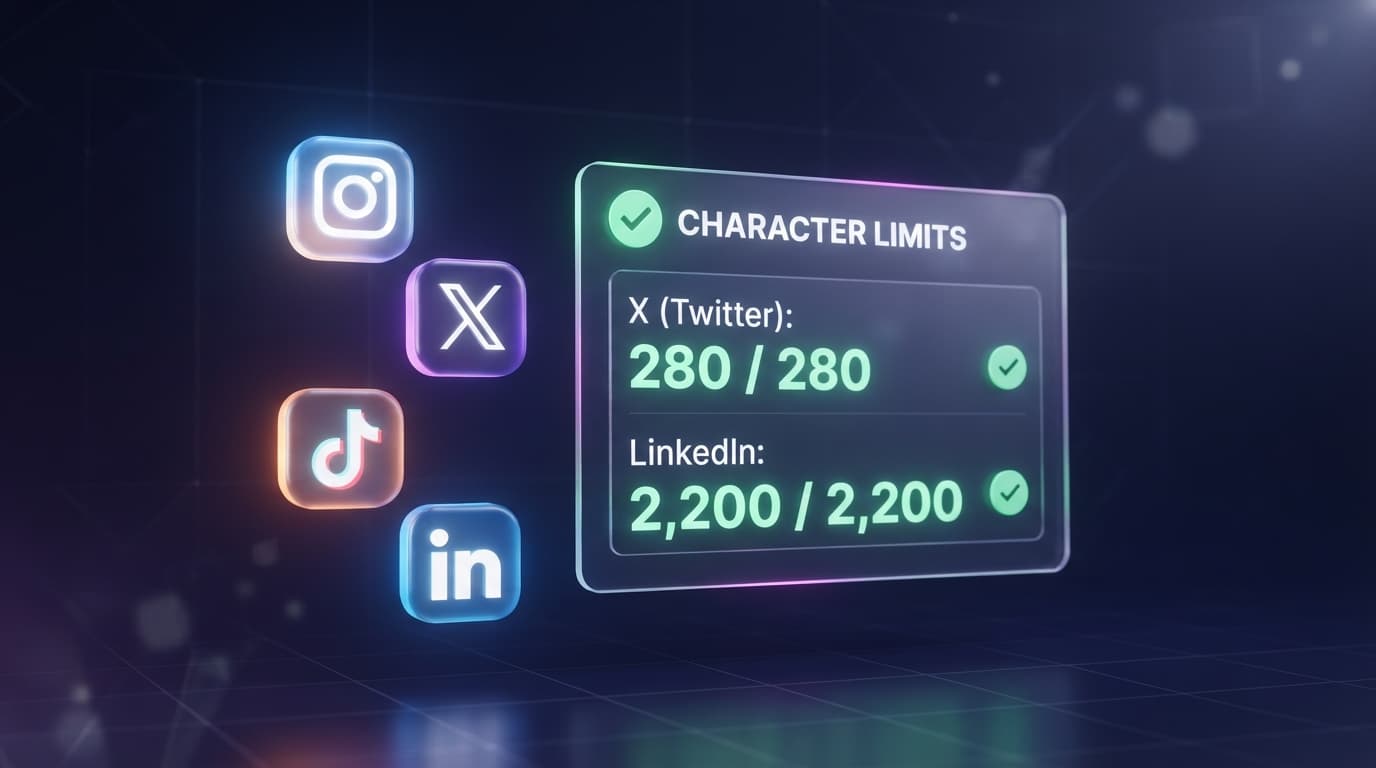
In the fast-paced digital world, content formatting is everything. Whether you are running a high-converting ad campaign in the USA, dropping a thought-provoking thread on X (formerly Twitter), or sharing a professional milestone on LinkedIn, understanding platform boundaries is crucial for success.
Every major social media platform enforces strict rules regarding how much you can write. Go one character over the limit, and your carefully crafted caption gets abruptly cut off with a messy '...see more' tag, or worse, the platform blocks you from hitting 'Publish.' This ruins your storytelling and can drastically lower your organic engagement and click-through rates (CTR).
This comprehensive, data-backed guide breaks down the exact character limits, caption restrictions, and formatting rules across every major social media channel. Plus, we will share professional copywriting strategies to help you maximize your real estate on the feed.
Why Character Limits Move the Needle in Social Media ROI
Many creators believe that more words equal more value. However, data shows that digital audiences have a shrinking attention span—averaging just about 8 seconds. Platforms structure their algorithms based on user behavior. Keeping your copy tight, readable, and perfectly within safety zones ensures that your primary Call-to-Action (CTA) is visible instantly.
Master List: Social Media Character Limits Explained
1. Instagram Character Limits
- Caption Maximum Limit: 2,200 characters.
- The Truncation Safety Zone: Instagram cuts off your caption after the first 125 characters.
- Bio Character Limit: 150 characters maximum.
- Hashtag Limit: Up to 30 hashtags per post (Best practice is 3 to 5).
2. X / Twitter Character Limits
- Free Accounts: 280 characters per tweet.
- Premium Accounts (X Premium): Up to 25,000 characters.
- Profile Bio Limit: 160 characters max.
3. LinkedIn Character Limits
- Post / Status Update Limit: 3,000 characters.
- The Truncation Point: Posts are cut off after roughly 140 to 150 characters.
- Profile Headline Limit: 220 characters.
- About / Summary Section: 2,600 characters.
4. TikTok Character Limits
- Video Description Limit: 4,000 characters for rich TikTok SEO keywords.
- The Truncation Point: Only the first 150 characters display over the video interface.
- TikTok Bio Limit: 80 characters maximum.
How to Format Long Copy for Maximum Mobile Readability
If you are writing longer posts on platforms like LinkedIn or Instagram, text presentation determines whether it gets read. Follow these formatting laws:
- Use One-Sentence Paragraphs: Double returns create breathing room and white space.
- Leverage Bulleted Lists: Use clean bullet points or functional emojis to guide the eye downward.
- Front-load Your Hook: Put your most shocking stat or statement in the very first sentence.
- Audit with Precision: Drop your text into the ToolNestHub Word & Character Counter to audit length in real-time.
Frequently Asked Questions (FAQs)
Do spaces count as characters on social media?
Yes. Every space, punctuation mark, emoji, and special symbol counts exactly as one character toward your total platform limit.
Do emojis take up more character space than letters?
Technically, under standard Unicode formatting, some complex emojis can count as two or more characters behind the scenes. Checking with a dedicated counter tool is always recommended.
Final Thoughts: Work Smarter, Not Harder
In social media marketing, precision beats noise every single time. Knowing your exact limits allows you to draft sharper copy, protect your branding, and drive higher click-through rates.
Don't let accidental character overflows break your campaign momentum. Keep your copy punchy, and audit your text length seamlessly before publishing.
Ready to write flawless posts? Head over to the Word & Character Counter right now, paste your text, optimize your length, and watch your social media reach grow!
Ready to try it yourself?
Open the Word & Character Counter →