Instagram Bio Fonts: How to Make Your Profile Stand Out
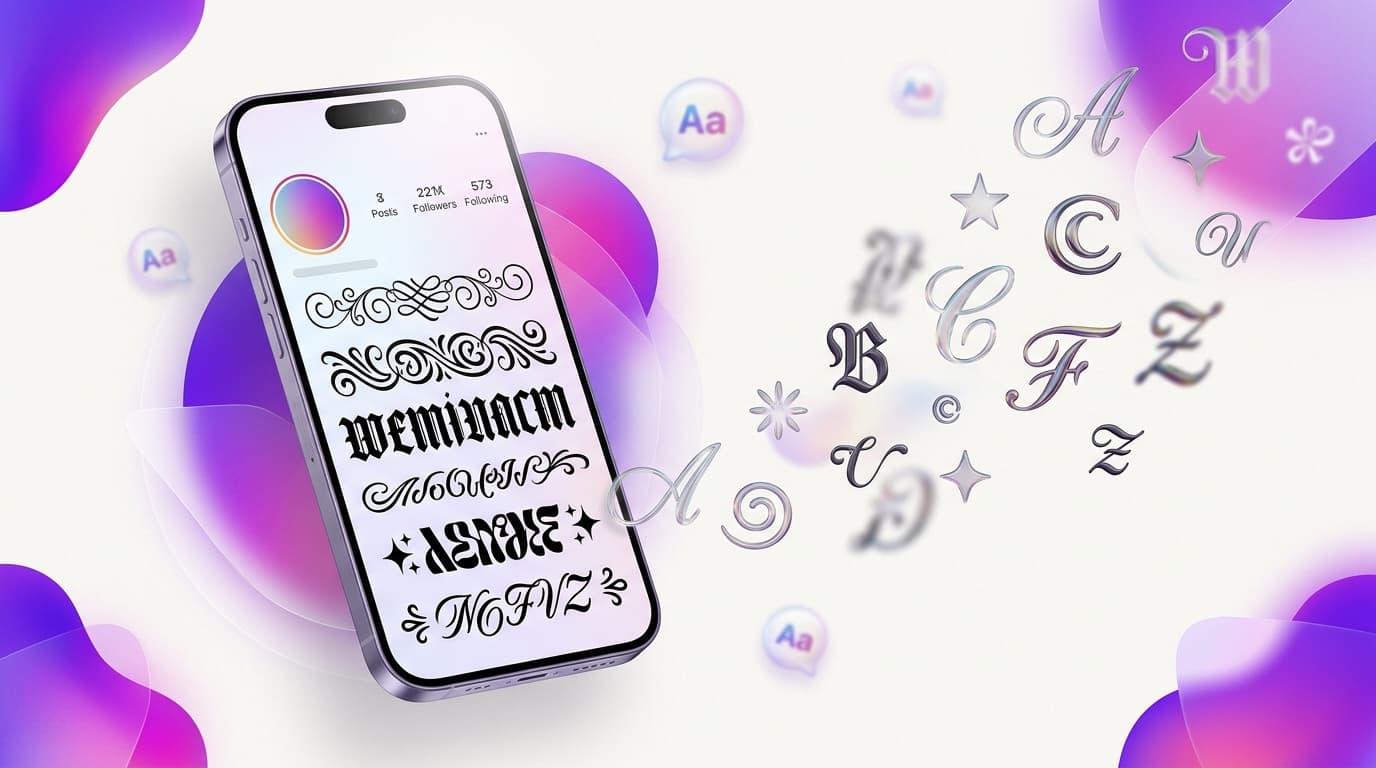
Instagram Bio Fonts: How to Make Your Profile Stand Out is a simple way to give ordinary text a more distinctive look. Whether you are updating a profile, writing a short caption, or creating a username idea, a fancy text generator lets you preview different styles and copy the one that fits your message.
ToolNestHub’s free Fancy Text Generator helps you transform regular text into decorative Unicode styles directly in your browser. You can try different variations without installing a font or creating an account. Open the tool, enter your text, and compare the results before copying.
Why use Instagram Bio Fonts?
A little styling can help a short piece of text stand out in a crowded social feed. It can also add personality to a profile or make a heading visually different from the surrounding text. Fancy text is most useful when the message is short and the style supports the meaning.
- Add personality to a social media bio or profile.
- Emphasize a short phrase, name, or heading.
- Create a distinctive caption or status.
- Try different visual styles before choosing one.
- Copy and paste text without installing extra software.
How to generate fancy text
Step 1: Open the online generator
Visit the Fancy Text Generator on ToolNestHub. It works in a modern browser, so you can use it on a desktop, tablet, or phone.
Step 2: Enter your text
Type or paste a short name, phrase, bio, caption, or message into the input field. Start with the exact wording you want to use so you can compare styles fairly.
Step 3: Preview the styles
Browse the generated variations. Some styles look bold or italic-like, while others use script, small, enclosed, or decorative characters. Choose a style that remains easy to recognize.
Step 4: Copy and paste
Use the copy control beside your preferred result, then paste it into the app or website where you want to use it. Check the final appearance after posting or saving.
Where can you use fancy text?
Fancy Unicode text can be useful in social profiles, bios, captions, comments, messaging statuses, gaming name ideas, and creative notes. Support varies by platform and by the particular characters in a style. Some apps may normalize text, restrict characters, or display only part of a style.
- Instagram, TikTok, Facebook, and X profile text.
- WhatsApp statuses and short messages.
- Discord messages and nickname ideas, where allowed.
- YouTube descriptions and channel profile text.
- Gaming profiles that accept the selected characters.
Tips for choosing a readable style
Fancy text should improve the message, not make it difficult to understand. Use decorative characters sparingly, especially when writing important information or longer descriptions.
- Keep important details in standard text.
- Use one decorative style at a time.
- Preview the result on your phone and computer if possible.
- Avoid replacing every letter in a long paragraph.
- Do not use unusual characters to disguise links or impersonate another account.
The best fancy text is distinctive, readable, and appropriate for the platform.
How fancy text works: Unicode, not installed fonts
Most online fancy text generators map ordinary letters to visually similar Unicode characters. These are text characters rather than a font file applied to the words. That is why you can copy the result into another app. The appearance depends on the fonts and character support available on the recipient’s device.
This also explains why some styles may not work everywhere. A platform can reject certain characters, and older devices may show empty boxes or substitute glyphs. If a style fails, try a simpler variation or use normal text.
Frequently Asked Questions
Is the Fancy Text Generator free?
ToolNestHub’s Fancy Text Generator is designed for quick browser-based use. Check the tool page for its current features and any usage limitations.
Do I need to download a font or app?
No font installation is normally required. The generator produces copyable Unicode characters that you can paste into supported apps.
Will the text look the same on every device?
Not always. Unicode support and glyph design differ across operating systems, browsers, and applications. Preview your text on the platform where it will appear.
Can fancy text affect accessibility?
Yes. Screen readers may pronounce decorative characters individually or interpret them differently. Keep essential information in standard text and use decorative styles only for short phrases.
Why do some characters appear as boxes?
The device or app may not have a glyph for a particular Unicode character. Choose a more widely supported style or replace the affected text with ordinary letters.
Try the Fancy Text Generator
Ready to experiment with instagram bio fonts? Open ToolNestHub’s free Fancy Text Generator, enter your text, compare the available styles, and copy the version that looks best. Keep it simple, check compatibility, and make sure your message stays easy to read.
Ready to try it yourself?
Open the Fancy Text Generator →