How to Get Cursive Text on Social Media: Safe Copy & Paste Guide
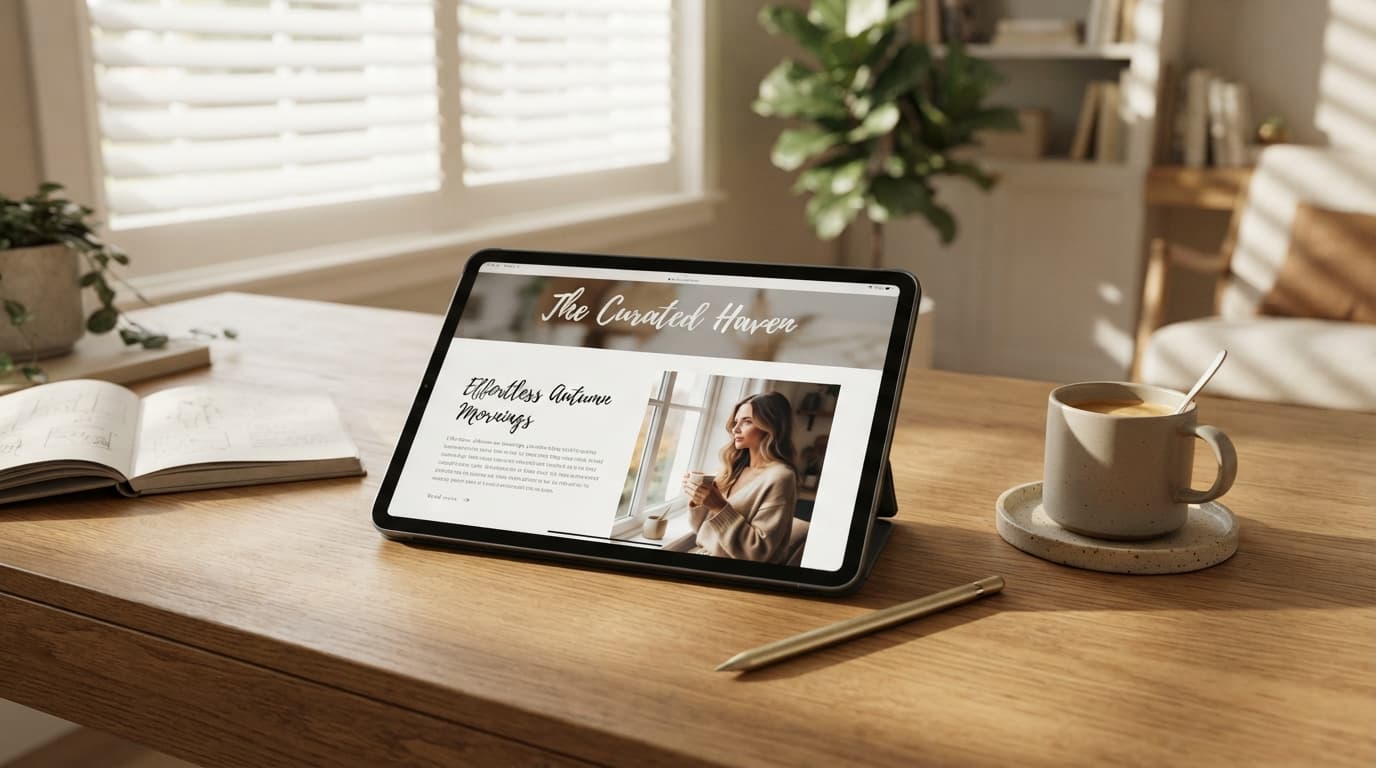
In the highly saturated ecosystem of modern social media, aesthetics dictate growth. Whether you are launching a minimalist fashion brand on Instagram, building a curated lifestyle mood board on Pinterest, or crafting poetic updates on Threads, visual presentation is your highest leverage tool.
Standard, plain system text looks incredibly industrial and rigid. To solve this, millions of top-tier creators and digital marketers switch their standard fonts into beautiful cursive and script styles to break monotony and catch eyes.
The Unicode System: How Cursive Text Works Anywhere
When you generate a cursive font online, you are using a global internet communication standard called Unicode. A specialized web generator maps ordinary alphabet keys directly to unique Unicode mathematical script symbols that mimic elegant cursive handwriting. Because major social platforms natively support the global Unicode catalog, you can copy these symbols from a website and paste them anywhere without losing formatting.
To ensure text strings render cleanly without crashing mobile interfaces, professional brands use lightweight, web-based tools like the ToolNestHub Fancy Text Generator to safely output compliant, high-end cursive script variations instantly.
How to Copy and Paste Cursive Text Online (Step-by-Step)
- Step 1: Draft Your Message: Type your text block inside a device notes app first to monitor platform character economies.
- Step 2: Navigate to a Safe Font Tool: Open your web browser window and head straight over to the ToolNestHub Fancy Text Generator.
- Step 3: Explore Script Grids: Input your text to see it converted across distinct grids like Cursive and Bold Cursive options.
- Step 4: One-Click Copy Functionality: Hit the Copy button next to your selected signature card to save the string directly to your clipboard.
- Step 5: Paste on Your Platform: Return to your target social media app, paste the stylized Unicode characters into the input box, and save.
Pro-Tips for Strategic Cursive Placement
- Prioritize Legibility (The Split-Second Rule): Avoid overly dense, intertwined cursive loops that make text difficult to read on small screens.
- Protect Niche Search SEO Keywords: Keep core search keywords in basic standard text so algorithm crawlers index them easily, reserving cursive for accents.
- Anchor Visual Accessibility Parameters: Keep critical info like emails and support links unstyled so screen readers parse them cleanly.
Frequently Asked Questions (FAQs)
Can using copy-paste cursive fonts ban my account?
Absolutely not. Unicode is an international internet standard naturally supported across modern mobile and desktop operating systems without using unauthorized software patches.
Why do some cursive letters look like blank rectangles?
This happens if a viewer is utilizing a legacy device running an extremely outdated operating system that lacks modern Unicode character library updates.
Final Thoughts: Craft a Premium Visual Brand
In the competitive landscape of digital media, attention to detail sets you apart. Spending an extra minute to elevate your caption presentation with clean, flowing cursive anchors demonstrates high production value and instantly catches the human eye.
Elegant script presentation signals premium branding value instantly, building high creative authority across crowded feeds.
Ready to completely redefine your digital footprint? Head over to the free ToolNestHub Fancy Text Generator right now, craft an elegant cursive caption, and watch your brand metrics grow today!
Ready to try it yourself?
Open the Fancy Text Generator →