How to Use Aesthetic Fonts and Symbols in TikTok Captions
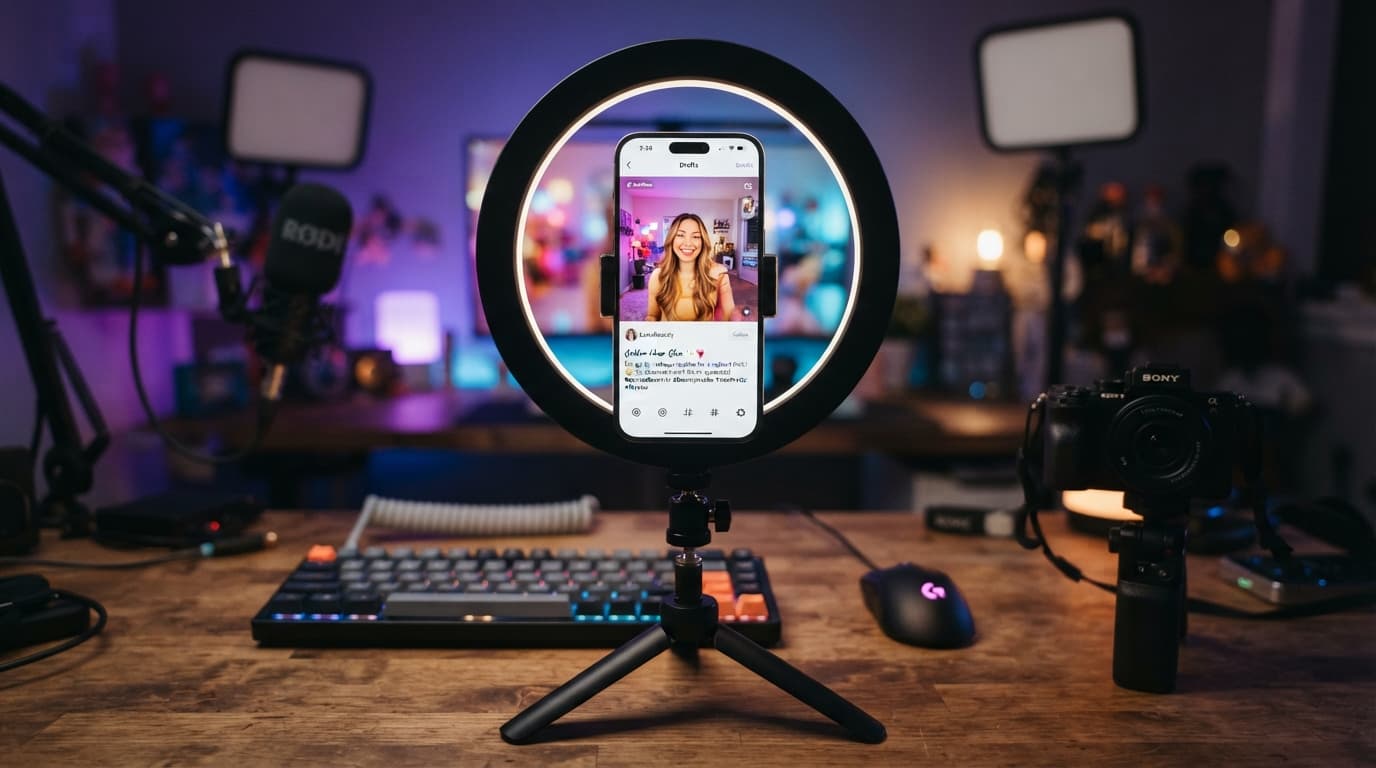
TikTok has transformed from a simple short-form video app into the world's most powerful visual search engine. With over 150 million active users in the United States alone, the battle for organic reach on the For You Page (FYP) is fiercer than ever. While stunning visuals hook your viewers, your TikTok caption drives your context, community engagement, and algorithmic search discoverability.
Most creators simply type their descriptions using standard, generic system fonts. In a sea of endless scrolling, standard text blends into the background. If you want to build a highly recognizable digital brand and stop users mid-scroll, using custom aesthetic fonts and symbols is a game-changing strategy.
The Hidden Power of Typography in TikTok SEO
The TikTok algorithm relies heavily on text parsing to understand exactly what your video is about for search results. Using custom fonts adds an immediate layer of visual branding. However, professional marketers use secure web utilities like the ToolNestHub Fancy Text Generator to safely craft clean, legible stylized Unicode text that renders perfectly across both iOS and Android platforms.
How to Use Aesthetic Fonts and Symbols on TikTok (Step-by-Step)
- Step 1: Draft Your Copy: Write out your video description in a notes app first, placing primary keywords inside the first line.
- Step 2: Access a Font Changer: Open a fast, ad-light utility tool like the ToolNestHub Fancy Text Generator.
- Step 3: Select Your Style: Input your text to instantly convert it into styles like elegant cursive, bold serif, typewriter, or custom symbols.
- Step 4: Copy the Unicode: Click the Copy button next to your chosen signature style to save it to your clipboard.
- Step 5: Paste on TikTok: Open TikTok, navigate to the final Post screen, paste the text into the caption field, and hit upload.
Golden Formatting Rules for TikTok Creators
- Keep Your First 150 Characters Clean: The video interface cuts off text quickly, so place your hook and core custom text right at the start.
- Prioritize Text Legibility: Avoid heavily distorted glitch fonts that compromise readability and lower watch-time metrics.
- Keep Strategic SEO Keywords in Standard Text: Use custom styling for hooks and decorations, but keep core search phrases standard so search bots can crawl them easily.
- Mix In Curated Symbols Wisely: Use stars, sparkles, and hearts cleanly as visual dividers without cluttering the mobile layout.
Frequently Asked Questions (FAQs)
Can using custom fonts shadowban my TikTok account?
No. Using Unicode text generated by clean tools like ToolNestHub is completely safe. It does not violate TikTok’s Community Guidelines because it utilizes native internet character standards.
Can I use these custom fonts inside TikTok video text overlays too?
Absolutely! You can paste these exact same stylized text strings directly into TikTok's native in-app text editor while editing your video clips to unlock unique designs.
Final Thoughts: Own Your Niche Aesthetic
In the attention economy, standing out is a necessity. Taking an extra 60 seconds to format your captions with unique typography and curated symbols demonstrates brand quality, captures attention, and helps build a highly dedicated community.
A unique visual identity in your copy converts passive video viewers into long-term profile followers instantly.
Ready to completely transform your For You Page presence? Head over to the free ToolNestHub Fancy Text Generator right now, craft your signature aesthetic caption, and watch your creator metrics soar!
Ready to try it yourself?
Open the Fancy Text Generator →