How to Change Fonts in Your Instagram Bio: The Ultimate Guide to Standing Out
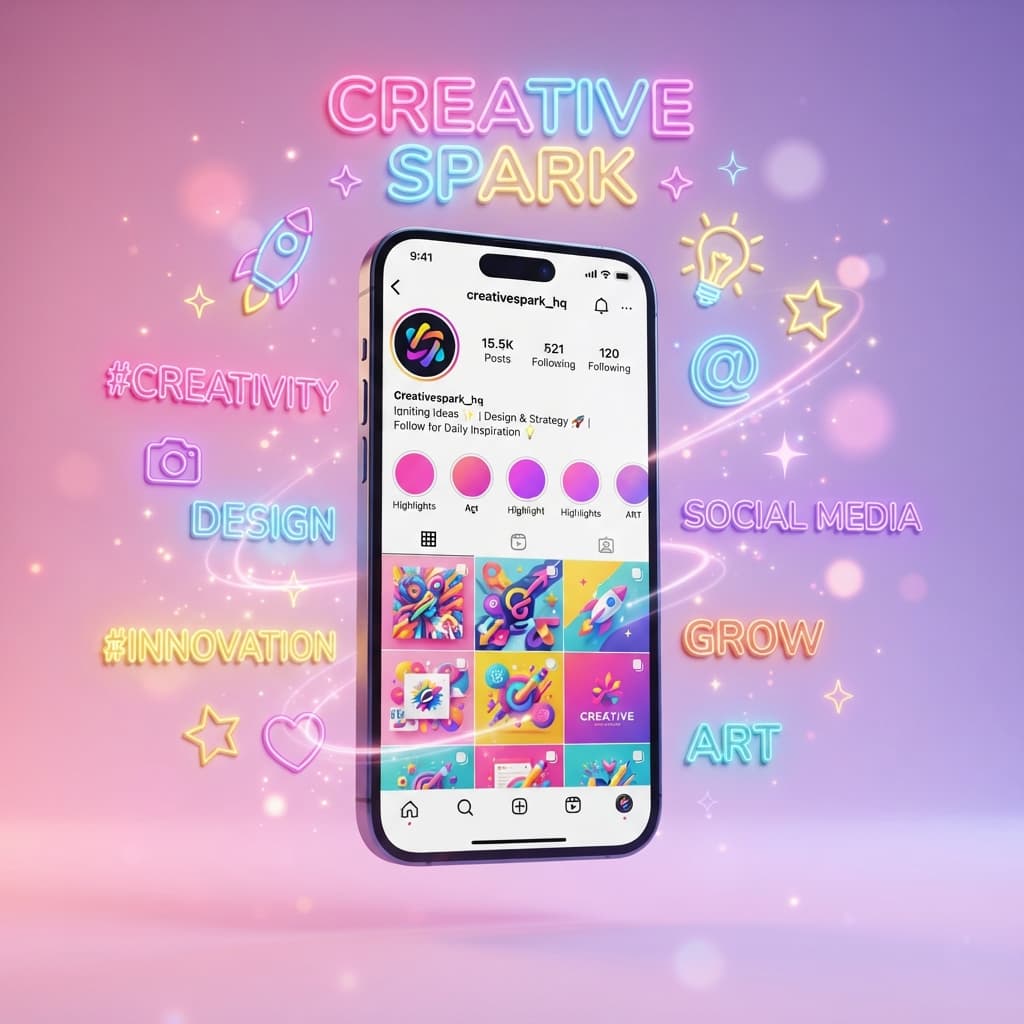
Your Instagram bio is your digital billboard. With over 2 billion active monthly users, first impressions on the platform matter more than ever. Whether you are an aspiring USA-based creator, a boutique Shopify brand, or a social media manager, standing out from the crowd is the ultimate key to organic growth.
When a user lands on your profile, you only have about 2.6 seconds to capture their attention. Standard Instagram fonts can look a bit bland and repetitive. If you want to showcase your unique personality, level up your aesthetic, and stop users mid-scroll, changing your Instagram bio font is the easiest, most effective way to do it.
In this comprehensive, step-by-step guide, we will show you exactly how to change fonts in your Instagram bio safely, explore the science behind aesthetic fonts, and give you professional tips to optimize your profile for maximum engagement.
Why You Should Customize Your Instagram Bio Font
Standard text is great for basic readability, but custom fonts add an immediate layer of branding. By using stylish and fancy fonts, you can achieve the following benefits:
- Express Your Brand Identity: Whether you want a minimalist, bold, gothic, or cute aesthetic, your font choice communicates your vibe instantly.
- Highlight Critical Information: Make your job title, location, launch dates, or dynamic Call-to-Action (CTA) visually pop.
- Increase Profile Conversion Rates: A visually stunning and well-formatted bio encourages casual profile visitors to hit that Follow button.
- Break the Monotony: Millions of profiles look identical. Using unique symbols and typography makes your account instantly memorable.
The Science Behind How Custom Fonts Work on Instagram
Have you ever wondered how websites generate these cool fonts and why Instagram allows them? It all comes down to a global technology standard called Unicode.
When you type text into a standard keyboard, your device reads it as specific digital codes. A font generator does not actually create new letters. Instead, it translates your standard text into unique Unicode symbols and characters that look like stylized alphabets. Because Instagram natively supports Unicode, it can display these beautiful pseudo-fonts flawlessly without requiring any special software updates from your followers.
How to Change Fonts in Your Instagram Bio (Step-by-Step)
Changing your font does not require any coding, hacking, or design experience. All you need is a reliable, fast web tool. Follow these simple steps to revamp your profile in under two minutes:
Step 1: Draft Your Bio Text
Write out your Instagram bio in your device’s notes app first. This allows you to plan your character count (Instagram has a strict 150-character limit) and structure your lines perfectly. For example: Digital Creator based in NYC | Elevating your brand daily.
Step 2: Open a Trusted Font Generator
Open your mobile browser or desktop and head over to a fast, ad-light utility tool like the ToolNestHub Fancy Text Generator.
Step 3: Type and Explore Styles
Paste your drafted text into the generator input box. The tool will instantly convert your plain text into dozens of unique typography styles—ranging from elegant cursive and bold text to double-struck, monospace, and text mixed with creative symbols.
Step 4: Copy the Stylized Font
Once you spot the perfect font, simply click the Copy button next to it. The tool automatically copies the special Unicode characters directly to your clipboard.
Step 5: Paste and Save on Instagram
Open the Instagram app on your iOS or Android device. Go to your profile by tapping your avatar icon, and tap the Edit Profile button. Locate the Bio field, clear out old text, paste your new stylized text, and tap Done in the top right corner to save changes.
Pro-Tips for Using Custom Instagram Fonts
While custom fonts look incredibly aesthetic, overdoing it can actually hurt your social media growth. To maintain a professional, clean look, follow these industry-standard best practices in the USA market:
- Prioritize Legibility Over Everything: Never sacrifice readability for style. Avoid fonts that are heavily distorted or overly cluttered with symbols.
- Use Custom Fonts Sparingly (The 80/20 Rule): Do not convert your entire bio into a crazy font. Use special fonts only for your Name field, important announcements, or your CTA.
- Be Mindful of Web Accessibility: Screen readers used by visually impaired individuals read Unicode symbols differently. Keep your vital business info in standard text.
- Test on Both Dark and Light Modes: Some fonts look fantastic on light backgrounds but become completely invisible or blurry when dark mode is turned on.
Frequently Asked Questions (FAQs)
Can using custom fonts get my Instagram account banned?
No. Using Unicode fonts generated by tools like ToolNestHub is 100% safe. It does not violate Instagram’s Terms of Service because it uses standard internet characters.
Why do some fonts look like blank boxes on my friends phones?
This happens on very old smartphones or outdated operating systems that do not fully support the latest Unicode updates. However, on modern devices, they display perfectly.
Can I use these custom fonts in Instagram Captions and Comments too?
Absolutely! You can use the exact same process to paste fancy fonts into your feed captions, reels descriptions, and even comments to grab attention in crowded spaces.
Final Thoughts: Level Up Your Instagram Vibe Today
Your Instagram bio reflects your digital hustle. Taking an extra 60 seconds to format your profile elegantly sets you apart from millions of generic accounts on the platform. It shows your audience that you care about branding, design, and details.
A generic profile gets forgotten. A beautifully stylized, strategic Instagram bio builds instant authority and turns profile visitors into loyal followers.
Ready to completely transform your profile's aesthetic? Head over to the Fancy Text Generator right now, type out your new bio, copy your favorite signature style, and watch your brand grow!
Ready to try it yourself?
Open the Fancy Text Generator →