15 Cool Discord Font Tricks to Make Your Server Stand Out
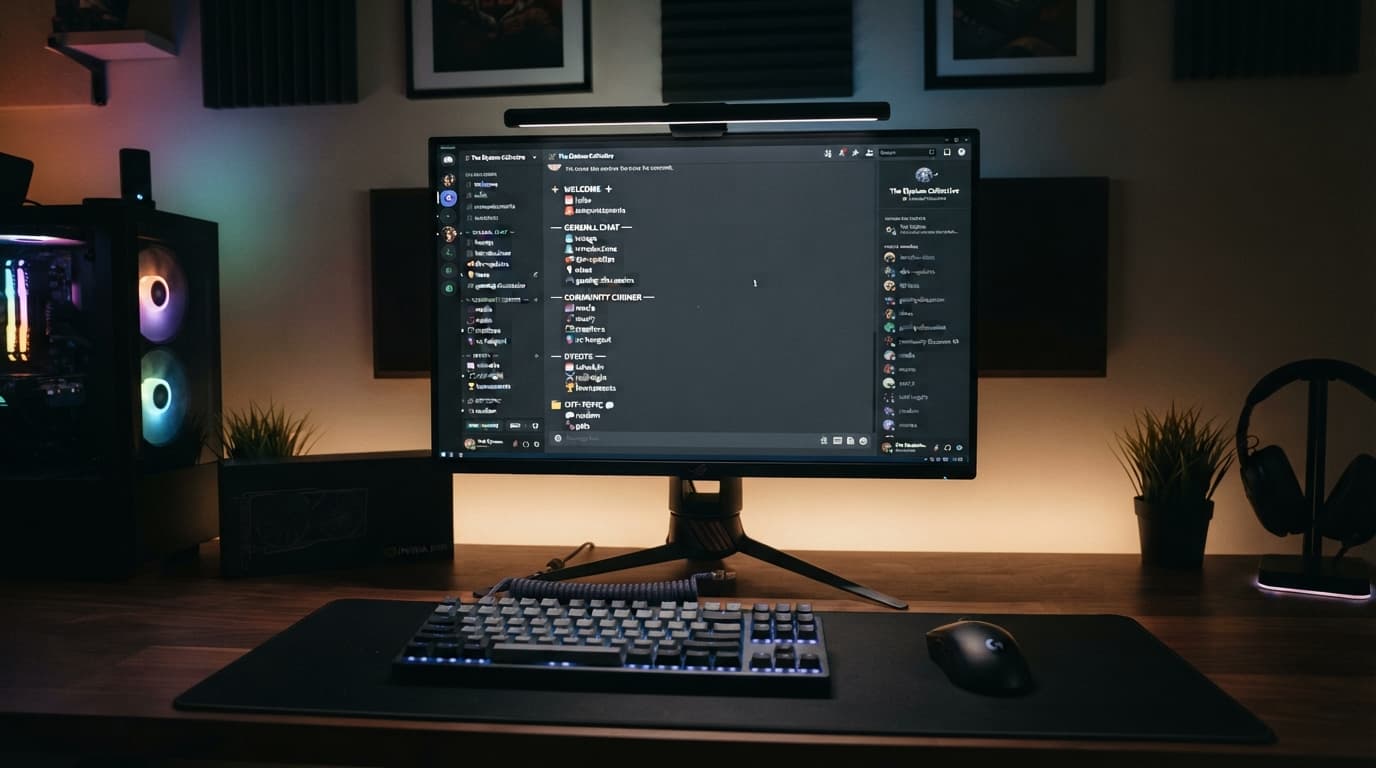
Discord has evolved from a simple voice chat app for gamers into a massive global hub for communities, businesses, crypto projects, and study groups. With millions of active servers fighting for attention, community managers and server owners face a major hurdle: how to make their server look unique, highly professional, and organized.
When a new user joins your Discord server, the first thing they look at is your sidebar channel layout and welcome channels. If your server utilizes standard, generic text fonts, it blends into the background of a user's crowded server list.
Fortunately, you don't have to settle for basic fonts. By leveraging built-in markdown syntax and external Unicode symbols, you can completely transform your server's look. In this definitive guide, we will break down 15 cool Discord font tricks to help your server stand out and keep your members engaged.
The Power of Typography in Discord Community Management
A well-designed Discord server is like a well-designed storefront. Custom fonts and text styling help you create a clear visual hierarchy. You can separate your text announcements from casual chat channels, highlight critical server rules, and give your premium VIP roles an elite status look. Professional server developers use lightweight utility platforms like the ToolNestHub Fancy Text Generator to safely craft stunning layouts.
15 Cool Discord Font Tricks You Need to Try
- Bold Text for Critical Headings: Wrap your text in double asterisks (**).
- Clean Cursive for Server Rules: Wrap text in single asterisks (*) or single underscores (_).
- Bold Italics for Eye-Catching Announcements: Wrap text in triple asterisks (***).
- Strikethrough for Event Updates: Wrap text in double tildes (~~) to show canceled items.
- Spoilers for Gaming Discoveries: Wrap text in double vertical bars (||) to hide texts.
- Single-Line Code Blocks: Use a single-line backtick (`) to display bot commands cleanly.
- Multi-Line Block Quotes: Add a greater-than symbol followed by a space (> ) for official quotes.
- Colored Text via ANSI Formatting: Use specialized syntax blocks to trigger red, green, and blue text on desktop.
- Custom Gothic Channel Names: Bypass standard character limits and lowercase rules using external Unicode characters.
- Elegant Cursive Nicknames: Make your server staff names stand out beautifully in the right-side member list.
- Minimalist Monospace Bio Text: Give your personal Discord profile bio a clean, developer-centric look.
- Geometric Symbols as Channel Dividers: Combine custom fonts with symbols like arrows and borders for visual hierarchy.
- Glitch & Zalgo Text: Distort your text with corrupted looks for horror or RPG-themed gaming communities.
- Tiny Text for Subheadings: Use subscript and small caps variations to keep footer descriptions compact.
- Spaced-Out Luxury Lettering: Give elite channels a premium, high-tier status look using wide font structures.
Important Best Practices for Discord Server Layout Design
- Maintain Accessibility: Keep core safety rules and support channels in standard text for screen readers.
- Don’t Break Searchability: Ensure highly frequented channels are easy to find using standard keyboard layouts.
- Test Across Desktop and Mobile: Verify that your customized typography doesn’t turn into blank boxes on older operating systems.
Final Thoughts: Level Up Your Discord Experience Today
Your Discord layout reflects your community's standards. Taking a few minutes to organize your categories with unique fonts and symbolic dividers turns a boring server into an exciting digital home.
A well-organized Discord structure directly reduces user churn and builds an authoritative, professional brand presence instantly.
Ready to build the ultimate scroll-stopping server layout? Head over to the free ToolNestHub Fancy Text Generator right now, input your channel titles, copy your favorite signature styles, and level up your server aesthetics today!
Ready to try it yourself?
Open the Fancy Text Generator →